When you log into your My Score account, the site will direct you to the "Profile" tab of your account. A link to your public profile can currently be found on this page, above the biography section.
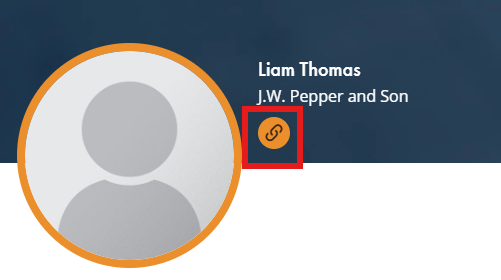
Your public profile URL is determined by what you entered as your profile name when you created your My Score account. For example, if you made your profile name, “profilename”, then your public profile would look like this:
https://www.jwpepper.com/myscore/profilename
When deciding on a profile name, we recommend you do not include capital letters, spaces, or special characters. This will allow customers to find your profile easier if they wish to search for it.
Was this article helpful?
That’s Great!
Thank you for your feedback
Sorry! We couldn't be helpful
Thank you for your feedback
Feedback sent
We appreciate your effort and will try to fix the article