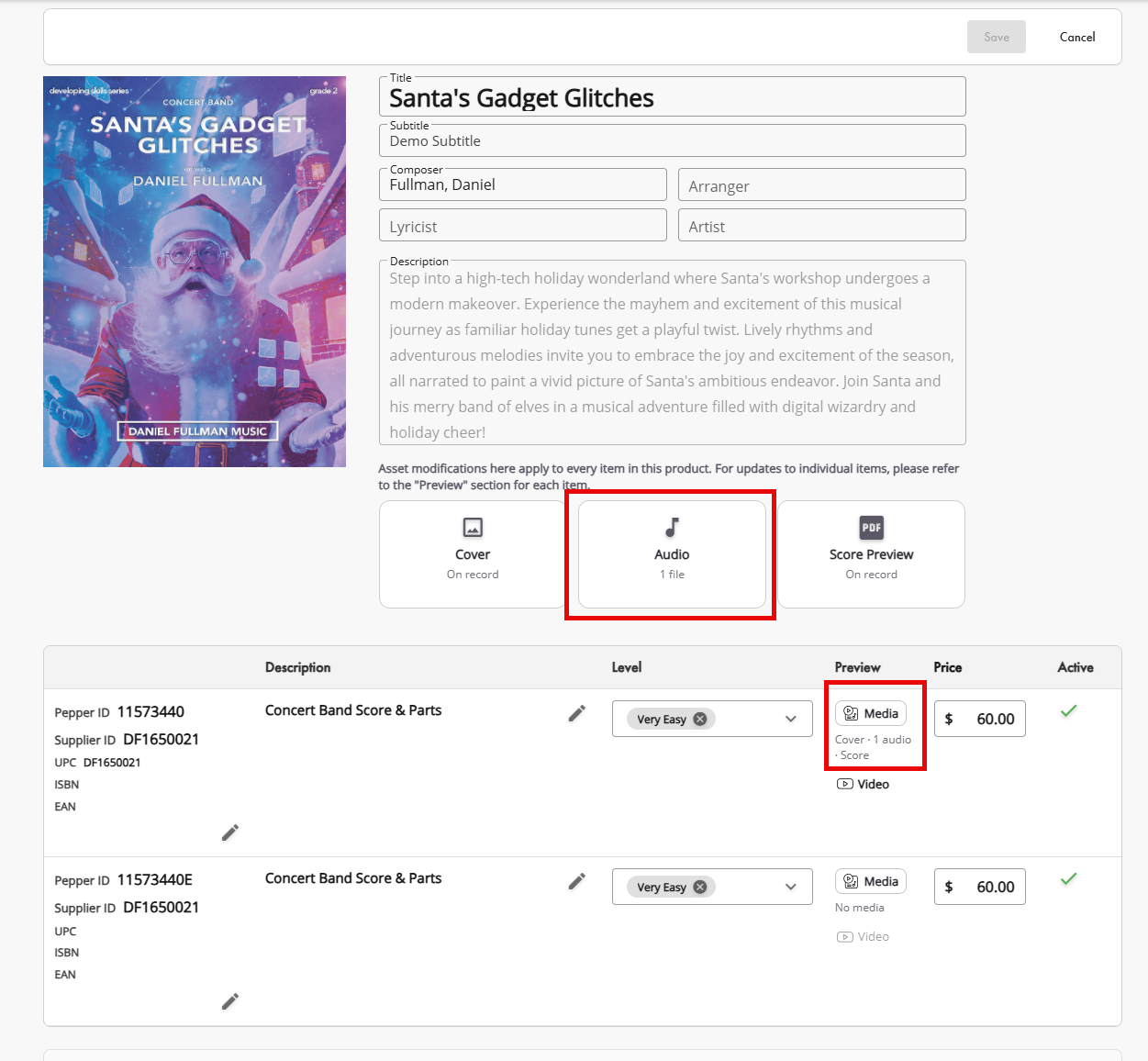
Upload the Audio file under the Group Product ID at the top of your product edit page.
Navigate to the individual item lines and select Media on the right to and proceed to add the individual assets to the product line.
Was this article helpful?
That’s Great!
Thank you for your feedback
Sorry! We couldn't be helpful
Thank you for your feedback
Feedback sent
We appreciate your effort and will try to fix the article